Hosting plans love big numbers. "100 GB SSD storage!" "Unmetered bandwidth!" "Unlimited everything!" For a beginner it is hard to know whether 100 GB is a lot or a little, whether you need unlimited bandwidth, or whether these numbers matter at all.
Here is the honest truth: for most new websites, storage and bandwidth are the least likely limits you will hit. But understanding them helps you choose the right plan and avoid paying for numbers you will never use.
Storage: the size of your cupboard
Storage (also called disk space) is how much data your hosting account can hold. For a WordPress website, that includes:
- WordPress itself, your theme and plugins: usually a few hundred megabytes.
- Your database (posts, pages, settings): often tiny, from a few megabytes to a few hundred.
- Uploaded media: images, PDFs and videos. This is what grows.
- Backups stored on the server and, on some plans, email mailboxes.
How much storage do real websites use?
| Type of site | Typical storage used |
|---|---|
| Small business site (10–20 pages) | Around 300 MB to 1 GB |
| Blog with 100–200 posts, optimised images | Around 1–3 GB |
| Online store with a few hundred products | Around 2–10 GB |
| Photography portfolio with large galleries | 10 GB and up |
These are rough figures; your numbers depend mostly on how you handle images. Compressing images before uploading can cut storage use dramatically. A free image compressor often shrinks photos by 70–90% with no visible difference.
Bandwidth: the size of your door
Bandwidth (often called monthly traffic or data transfer) is the amount of data your site sends to visitors in a month. Every time someone opens a page, their browser downloads the HTML, images, CSS and scripts. That download counts towards bandwidth.
A quick way to estimate: page size × page views per month. If your average page is 2 MB and you get 20,000 page views a month, that is roughly 40 GB of bandwidth. Check how heavy your own pages are with a page size checker.
What "unlimited" and "unmetered" really mean
When a host advertises unlimited or unmetered bandwidth, it means they do not count every gigabyte or charge per gigabyte. It does not mean infinite resources. Every shared hosting plan still has limits on:
- CPU and memory: how much processing your site can use at once.
- Entry processes / concurrent connections: how many requests can be handled simultaneously.
- Inodes: the number of files in your account.
- Fair use policy: the site must be a normal website, not a file-sharing or video-streaming service.
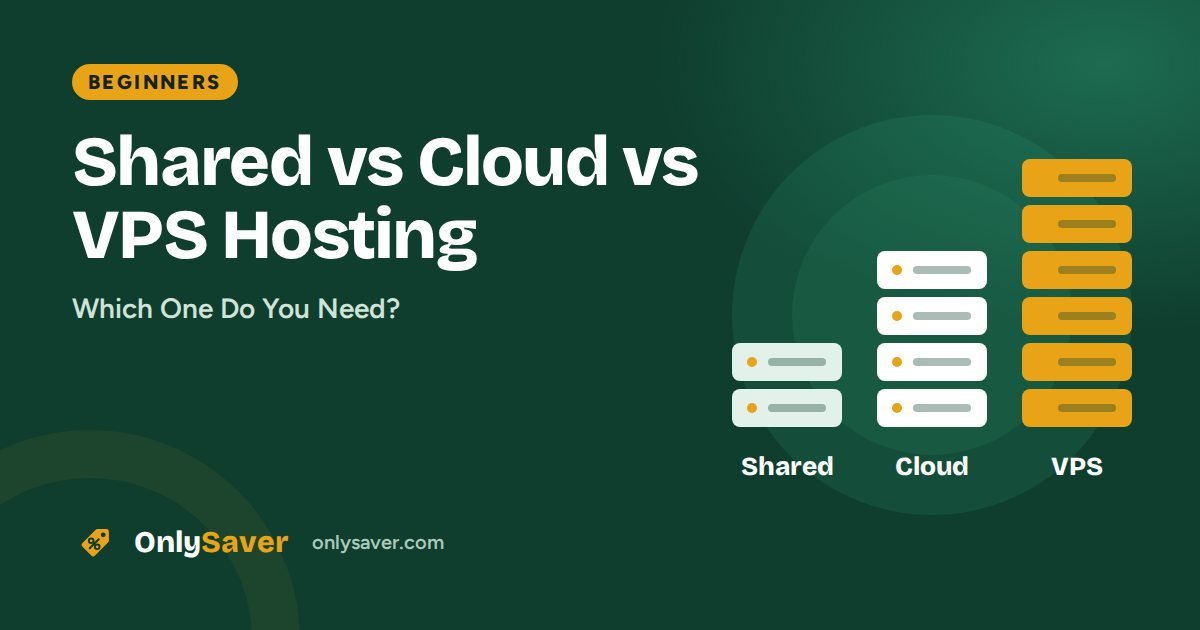
In real life, a busy website on shared hosting usually hits CPU or process limits long before bandwidth. That is why our guide on shared vs cloud vs VPS hosting focuses on resources rather than storage numbers.
A story about the wrong worry
Picture a college student starting a cricket stats blog. He spends a week comparing hosting plans by storage, convinced that 50 GB will not be enough. A year later, with 300 posts and steady traffic, his site uses 2.3 GB. What actually slowed him down during a big match day was the CPU limit, because his site had no caching. Turning on LiteSpeed Cache fixed it overnight. He had been worrying about the wrong number.
How to check your usage on Hostinger
- Log in to hPanel and open your website's dashboard.
- Look for the resource usage or order usage section, which shows disk space, inodes and other limits.
- Check CPU and memory graphs if your site ever feels slow at busy times.
If you are regularly near a limit, first optimise (images, caching, cleaning old backups), then consider upgrading.
Ways to use less of both
- Compress and resize images before uploading.
- Host videos on YouTube or a video platform and embed them, rather than uploading video files.
- Turn on caching to reduce server work for each visit.
- Use a CDN for visitors in other countries, which also takes load off your server.
- Delete old backups and unused themes stored in your account.
- Clean up spam comments and post revisions in the database occasionally.
SSD and NVMe: does storage type matter?
Many plans now advertise SSD or NVMe storage instead of older spinning hard drives. The type of storage affects how quickly the server can read your files and database, which matters more for speed than the number of gigabytes. Any modern host should be using SSD at minimum. NVMe is faster again and helps database-heavy sites like online stores. When comparing two plans, a smaller amount of fast storage is usually a better deal than a huge amount of slow storage you will never fill.
What to look for when choosing a plan
For a new blog or business site, almost any modern plan has enough storage and bandwidth. Pay more attention to:
- The number of websites allowed.
- Backup frequency.
- Server location (an India data centre for Indian visitors).
- Free domain, SSL and email.
- Renewal price.
Our Hostinger review breaks down these features by plan, and the plan finder suggests a plan based on your type of site.