You may have heard that Hostinger is cheaper through a referral link. That is true, but how does it work, and is there a catch? This article explains the Hostinger Referral Program in plain English, so you know exactly what you get.
What is the Hostinger Referral Program?
Hostinger gives its existing customers a personal referral link. When a new customer buys hosting through that link:
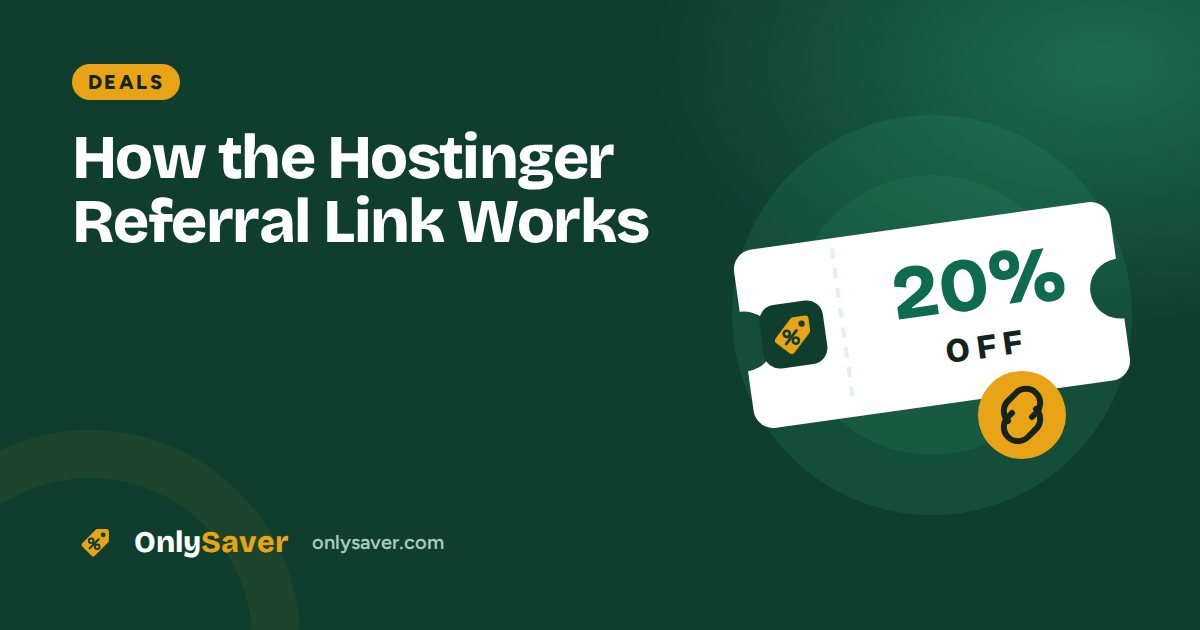
- The new customer gets a discount on eligible plans (20% through our link).
- The person who shared the link earns a commission from Hostinger.
Both sides benefit. Best of all, Hostinger pays the commission itself, so nothing is added to your price.
How the referral link works behind the scenes
- You click a referral link. The link contains the referrer's ID. There is no coupon code to type.
- Hostinger saves a small cookie in your browser to remember which referral you came from.
- When you buy a plan, Hostinger applies the discount and records the referral.
- After the refund period ends, the referrer receives the commission.
Referral link vs coupon code vs sale
| Referral link | Coupon code | Seasonal sale | |
|---|---|---|---|
| How you get it | Click the link | Type a code at checkout | Automatic on Hostinger's site |
| Who can use it | New customers | Depends on the code's terms | Everyone |
| When it works | All year | While the code is valid | During the sale (Black Friday, Diwali) |
A common mistake is searching for a "Hostinger coupon code" and pasting random codes from coupon sites. Many of those codes are expired or belong to a different programme. With a referral link there is nothing to paste: the discount is attached to the link itself.
Are there any hidden costs?
No, but keep these points in mind with any web host:
- Renewal price: renewals cost more than the first term.
- Add-ons: some extras (such as extra security or email) may be pre-selected at checkout. Remove anything you do not need.
- GST: tax is added separately in the order summary. A GST calculator shows the final amount before you pay.
What you see at checkout
After clicking the referral link and choosing a plan, the order summary shows:
- The plan and the term you picked (for example 48 months)
- The regular price and the discounted price
- The referral discount as a separate line or already applied to the total
- GST added on top
- Any optional add-ons, which you can remove
If you do not see the discount, do not pay yet. Open the link again in a private window and check once more.
Referral discount or seasonal sale: which is better?
Hostinger runs big sales around Black Friday, Diwali and New Year. During a sale the base price itself may already be lower. Usually only one offer applies to an order, so compare the final total in the order summary. If you need your website now, the referral discount is available all year and there is little reason to wait for a sale.
Troubleshooting
| Problem | Fix |
|---|---|
| Discount not shown | Use a private window, disable ad blockers, click the link again |
| You already have a Hostinger account | Referral discounts are for new customers; check current sales instead |
| Plan not eligible | Pick another plan or term; eligibility is set by Hostinger |
| You clicked another referral or coupon link later | The most recent link may override ours; start again from our link |
How we earn from this
We are open about it: when you buy through our link, Hostinger pays OnlySaver a commission. It does not change your price, and it does not change our advice. We point out Hostinger's downsides, such as renewal prices and the lack of phone support, in our honest Hostinger review. Full details are in our referral disclosure.
Choosing the right term
The referral discount applies to your first purchase, so the term you choose decides how long you enjoy the low price. A 12-month term is the cheapest to start but renews sooner. A 24- or 48-month term costs more up front but locks in the lower monthly price for longer. If you are confident about your project, the longer term usually saves the most. Not sure which plan you need? Try our Plan Finder.
More ways to save on Hostinger
- Use the free domain included with eligible yearly plans instead of buying one.
- Use included email rather than paying for a separate email service at the start.
- Skip unnecessary add-ons at checkout; you can add them later if needed.
- Start on Premium and upgrade only when your site needs more resources.
- Compare totals, not percentages: a percentage calculator shows what each discount is worth in rupees.
- Set a reminder a month before renewal to review your plan and decide whether to renew, change term or downgrade.
Claim the referral discount in 3 steps
- Click the button below.
- Choose your plan and term.
- Check that the discount appears in your order summary, then pay.
Want more detail? See our Hostinger discount page.