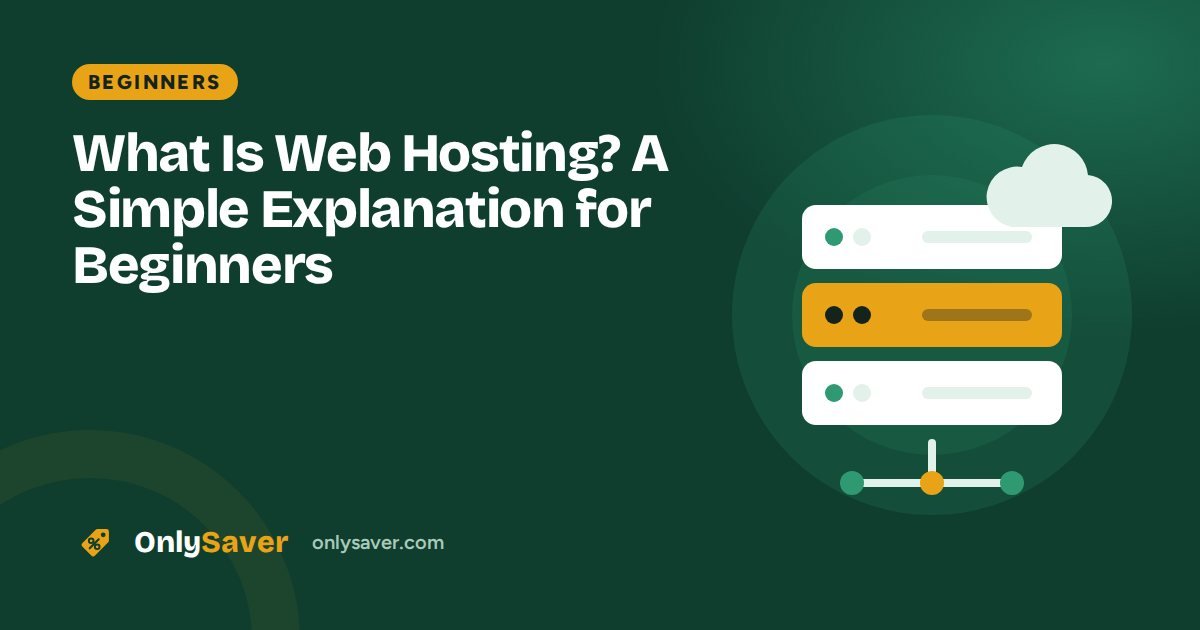
When you open a website, its files (text, images, videos) are stored on a computer that is connected to the internet 24 hours a day. That computer is called a server, and renting space on a server for your website is called web hosting.
A simple example
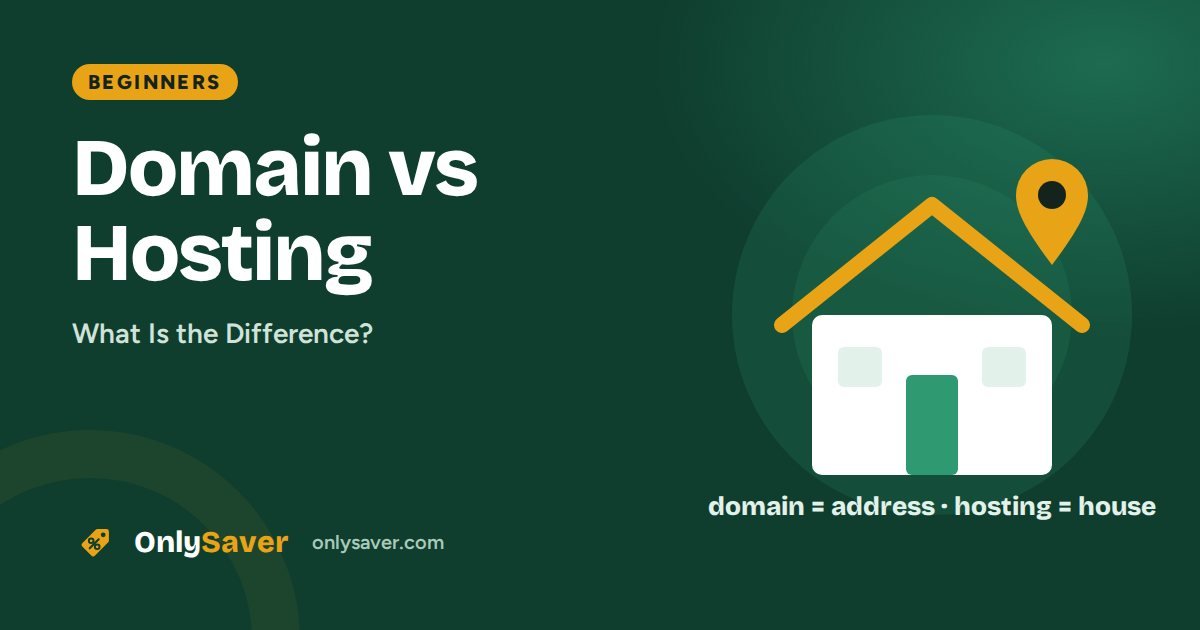
Think of your website as a shop:
- The domain is the shop's address (e.g. onlysaver.com)
- The hosting is the space you rent for the shop
- The website is everything inside: the products and the decoration
You cannot open a shop without space to put it in. In the same way, a website cannot go online without hosting.
How does web hosting work?
- You buy a plan from a hosting company.
- You install your website (for example WordPress) on its server.
- You connect your domain to the hosting.
- When someone types your domain into a browser, the server sends them your website's files.
Want to see this in action? A DNS lookup shows the server address any domain points to.
Types of web hosting
| Type | What it is | Best for | Cost |
|---|---|---|---|
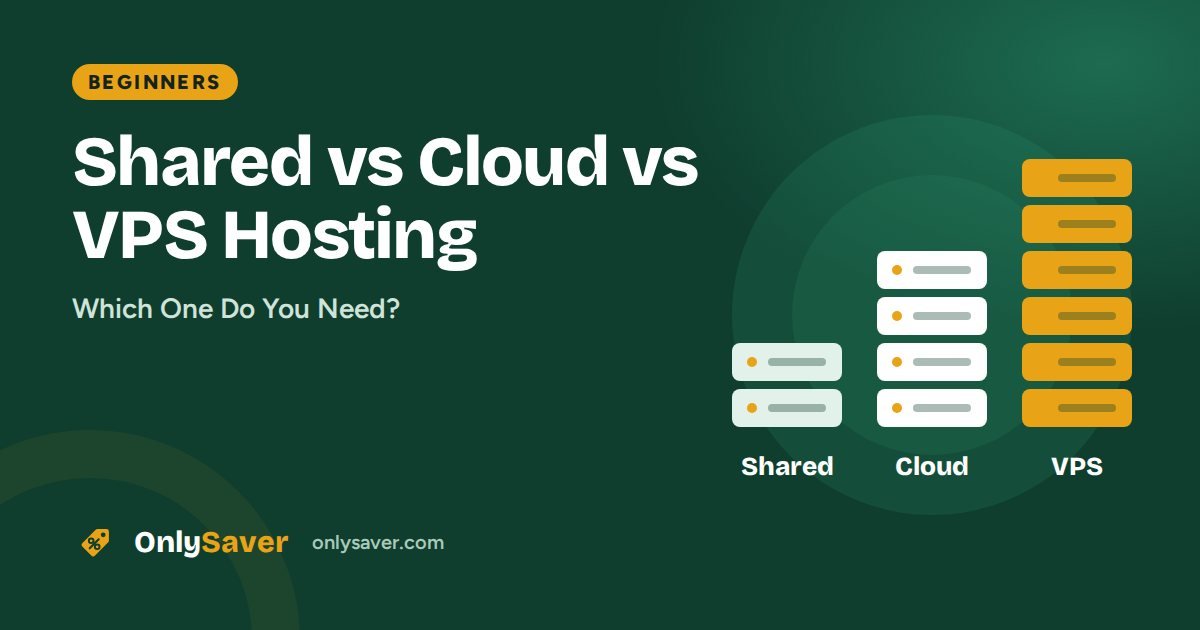
| Shared hosting | Many websites share one server's resources | Beginners, blogs, small businesses | Lowest |
| Cloud hosting | Dedicated resources, more stable under load | Growing businesses, stores | Medium |
| VPS hosting | Your own virtual slice of a server, full control | Developers, apps | Medium to high |
| Dedicated server | A whole physical server just for you | Very large websites | Highest |
We explain the differences in detail in shared vs cloud vs VPS hosting.
What to look for in a good host
- Speed: fast web servers (LiteSpeed or NGINX) and a data center near your visitors
- Uptime: at least 99.9%
- Free SSL: for HTTPS
- Backups: weekly or daily
- Support: 24/7 chat
- An easy control panel: such as hPanel or cPanel
What is inside a hosting plan?
Hosting plans are described with a list of features that can be confusing at first. Here is what each one means for you:
- Storage: space for your files, images and database. A typical blog uses far less than plans offer; images take up most of it.
- Bandwidth: the amount of data sent to visitors. Most shared plans allow far more than a new site will use.
- CPU and memory (RAM): the computing power available to your site. This matters more than storage once traffic grows.
- Number of websites: how many separate sites you can host on one plan.
- Databases: WordPress stores your posts and settings in a MySQL database.
- Email accounts: mailboxes such as
you@yourdomain.com. - SSL certificate: enables HTTPS and the padlock in the browser (an SSL checker shows whether a site has a valid one).
- Backups: automatic copies of your site, weekly or daily depending on the plan.
- Control panel: the dashboard where you manage everything (hPanel on Hostinger, cPanel elsewhere).
Free hosting vs paid hosting
Free hosting sounds attractive, but it usually comes with ads on your site, a sub-domain instead of your own domain, very limited resources, no support and no guarantee your site will stay online. That is fine for practice, but not for a business or a blog you want to grow. Paid shared hosting costs little per month and gives you your own domain, SSL, email and support.
Managed WordPress hosting
Some plans are labelled "WordPress hosting". These are usually shared or cloud plans tuned for WordPress, with one-click installs, automatic updates, caching and WordPress-specific support. On Hostinger, WordPress runs on all web hosting plans with the LiteSpeed Cache plugin, so you do not need a special plan to get good WordPress performance.
How much traffic can shared hosting handle?
There is no single number, because it depends on how heavy your pages are and how well caching is set up. A well-optimised WordPress site on good shared hosting can comfortably serve thousands of visitors a day. If your site slows down at busy times even with caching enabled, that is the signal to move up to cloud hosting. Our guide to shared vs cloud vs VPS hosting covers the warning signs.
Web hosting terms in plain English
| Term | Meaning |
|---|---|
| Uptime | The percentage of time your site is online. 99.9% means under 9 hours of downtime a year. A website status checker tells you if a site is up right now. |
| Data center | The building where the servers are. Closer to your visitors means faster loading. |
| Nameservers | Servers that tell the internet where your domain's records live. |
| SSL / HTTPS | Encryption between the visitor and your site, shown as a padlock. |
| CDN | A network that serves your files from locations near each visitor. |
| Caching | Saving ready-made copies of pages so they load faster. |
How to choose your first hosting plan
- Start with shared hosting unless you already know you need more.
- Check the server location and choose one near your visitors.
- Make sure SSL, backups and email are included.
- Compare renewal prices, not just the first-year offer.
- Pick a longer term if the website is a long-term project.
Our best web hosting in India comparison shows how popular hosts stack up.
What happens after you buy hosting
- Account setup: you create your account and pay; the hosting is activated within minutes.
- Domain: you claim a free domain or connect one you already own.
- Website: you install WordPress or start with a website builder.
- SSL: the free certificate is issued so your site loads over HTTPS.
- Email: you create mailboxes on your domain if your plan includes them.
- Launch: you add pages and content, then share your site.
The whole process takes about an hour for a simple website.
How to get started
For your first website, shared hosting is all you need. Hostinger's Premium plan is a popular choice for beginners. Once you have a plan, follow our guide: how to build a WordPress website on Hostinger.
Still confused about domains? Read domain vs hosting.